
The Hidden Cost of “Submit”: Why Website Forms Are Killing Your Business
A contact form can say “success” while the lead disappears into spam, an unchecked inbox, or a follow-up queue. For home-service contractors, that silent delay can turn a ready-to-book customer into someone else’s job.
Are website contact forms bad for business?
Traditional contact forms are not inherently bad, but relying on a form-to-email notification as your entire lead system is risky. Deliverability failures, slow response, poor mobile usability, weak tracking, and single-inbox routing can cause high-intent prospects to vanish. A better system captures every inquiry in a CRM, confirms receipt instantly, alerts the right people, starts an SMS or email conversation, and gives the prospect a direct path to book.
The “form submitted” message is not proof that anyone received the lead
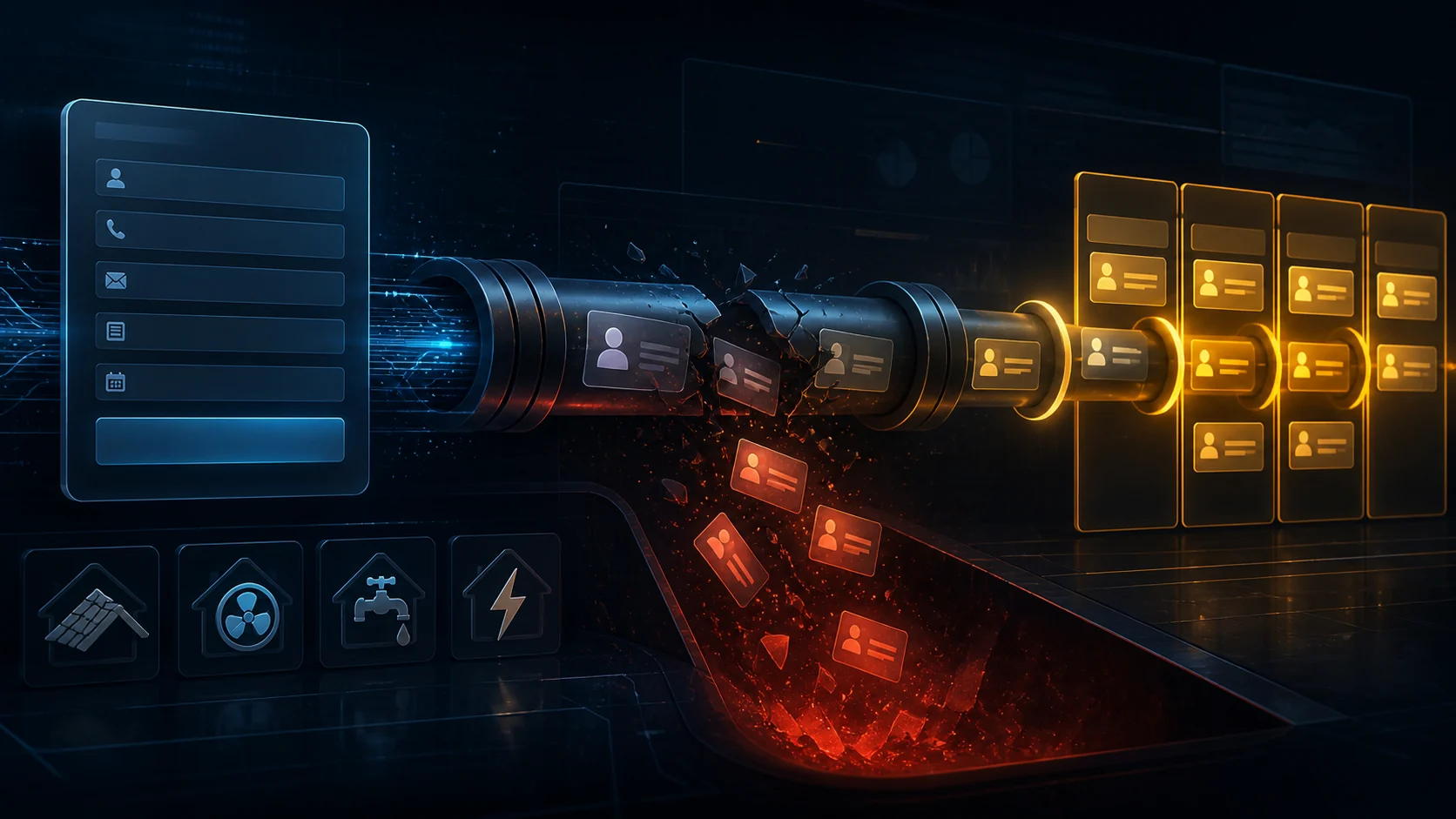
Most website forms follow an old workflow: a visitor enters their details, a WordPress plugin generates an email, and that email is supposed to reach one or more inboxes. The visitor sees a confirmation. The business assumes the notification arrived. Between those two moments, several things can fail without creating an obvious alarm.
Web-server mail can be filtered or rejected. Domain authentication can be misconfigured. An inbox rule can move the message. The notification can reach one employee who is driving, on a roof, under a sink, or already handling a customer. Even when delivery works perfectly, the lead may sit untouched until the next office day.
Delivery failure
The site reports success, but the notification is filtered, rejected, or routed away from the people who need it.
Single-inbox risk
One unavailable employee becomes a bottleneck for every opportunity arriving through the website.
No operational trail
Without a CRM record, you cannot reliably prove who followed up, how quickly, or whether the lead was lost.
Customer uncertainty
A generic “thank you” page does not tell the homeowner when to expect a reply or what happens next.
One missed form can be worth far more than one missed phone call
A website inquiry usually comes from someone who has already searched, compared options, read your services, and decided to raise a hand. That intent makes the opportunity valuable. The loss is not merely the price of a lead; it can be the gross profit from a repair, replacement, installation, or long-term customer relationship.
For example, if five qualified inquiries go unseen in a month, your team closes 30% of qualified opportunities, and the average job is worth $4,000, the annualized revenue at risk is $72,000. Change those assumptions to fit your trade and market; the important point is that small process failures compound quickly.
This is also why increasing traffic alone does not solve a conversion problem. Sending more visitors into a leaky follow-up system simply creates more invisible waste. Webvana’s lead-response and automation features are designed to connect visibility, capture, routing, and follow-up instead of treating them as separate tools.
Homeowners do not submit one form and patiently wait
When a furnace stops, a pipe bursts, or a roof starts leaking, the customer’s clock is already running. Many prospects contact several businesses in the same session. The contractor who responds first with a useful, credible next step often defines the buying process.
That first response does not need to solve the entire job. It should confirm that the inquiry was received, collect the few details needed to qualify it, set a clear expectation, and make booking easy. A conversational website experience can do that while your crew is working.
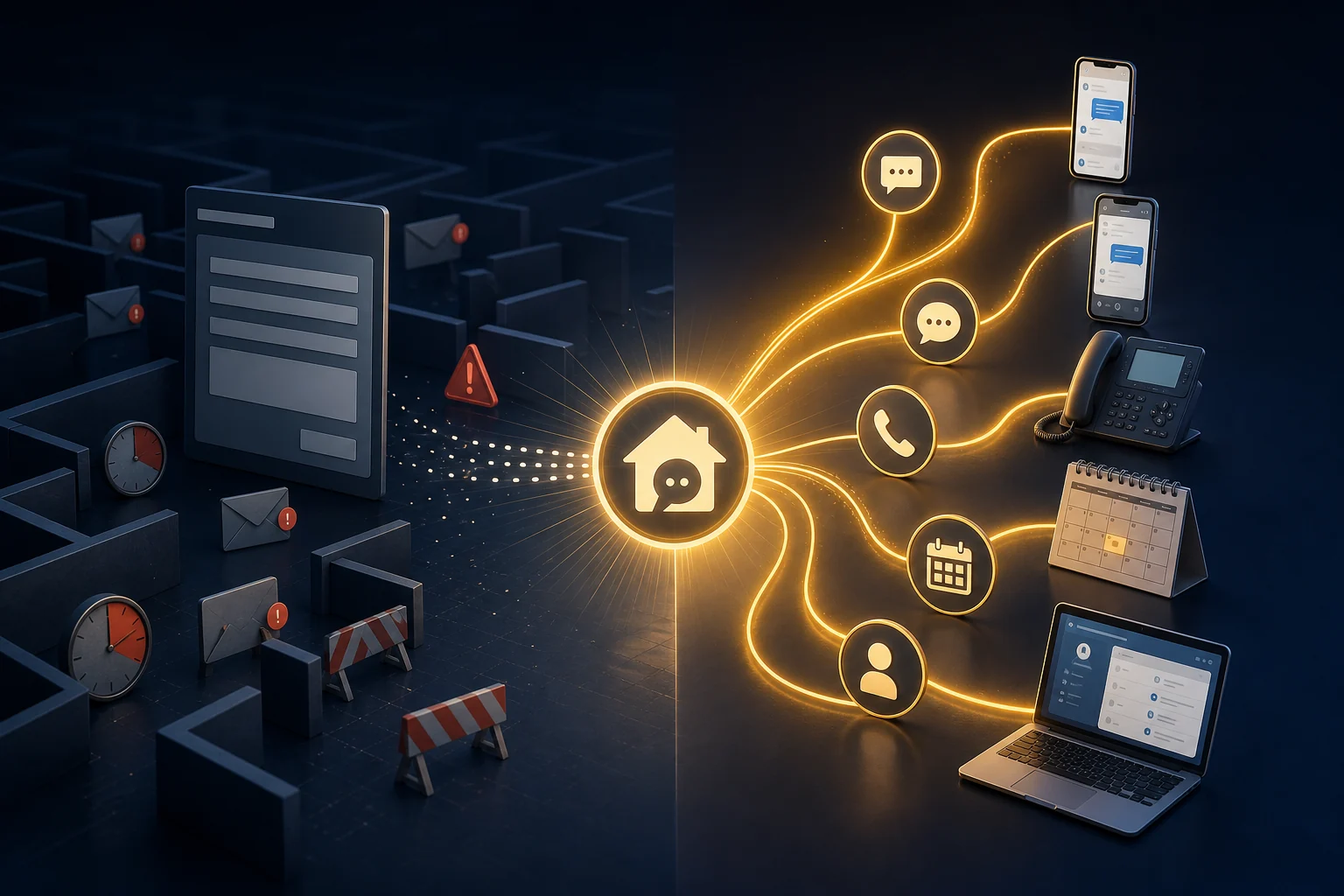
The form is not the strategy. The strategy is what happens in the seconds and minutes after a prospect asks for help.
Do not merely replace the form. Replace the fragile workflow behind it.
A high-performing contractor website can still offer a short form for visitors who prefer it. The difference is that the submission becomes one input into a connected lead-response system—not an email tossed over a wall.
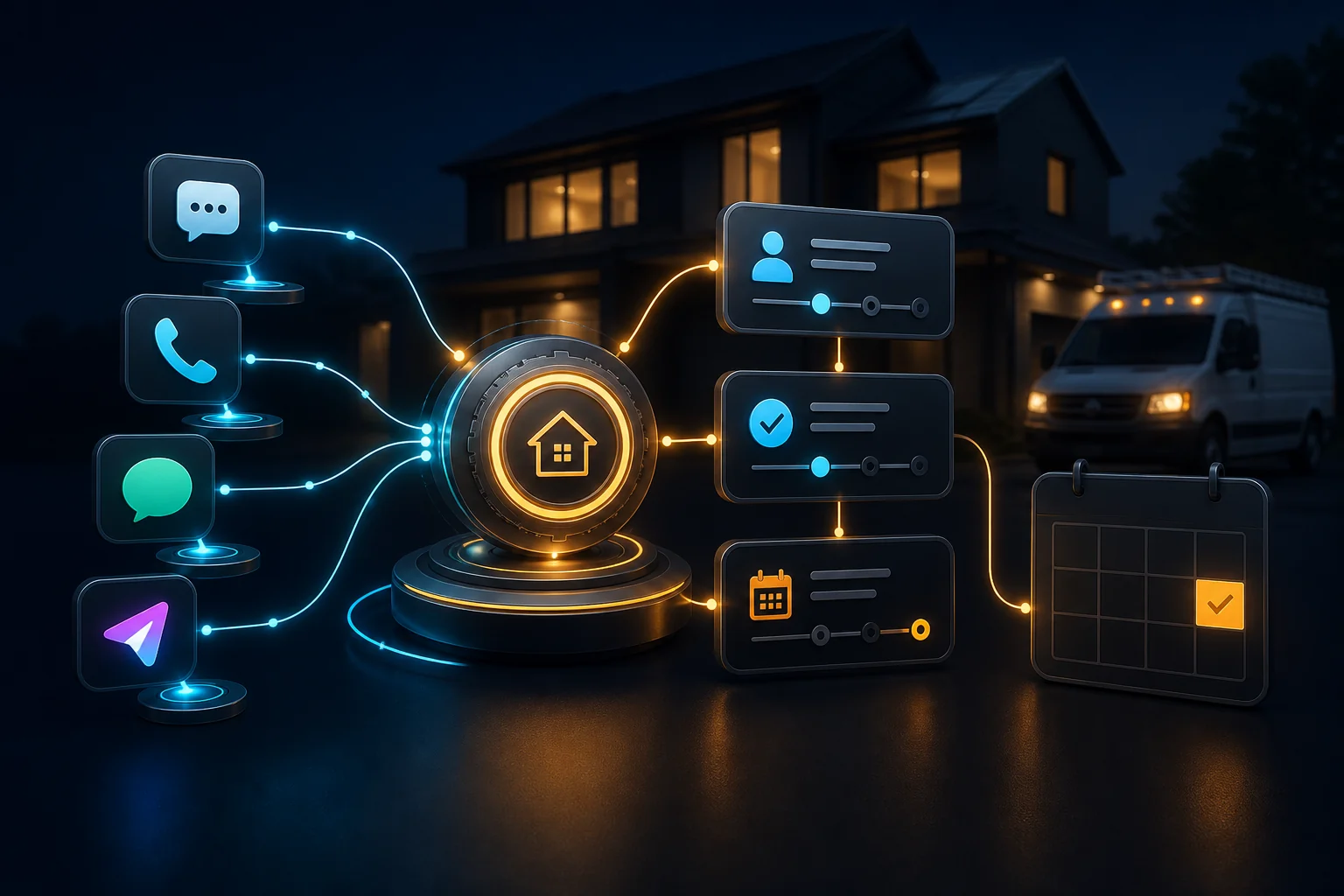
Capture centrally
Every website form, chat, call, text, and social message creates or updates a contact in one CRM.
Acknowledge immediately
The prospect receives a useful confirmation by the channel they are already using.
Qualify conversationally
Ask only the questions needed to understand service type, location, urgency, and next action.
Route intelligently
Notify the correct person, escalate urgent requests, and prevent every lead from depending on one inbox.
Book the next step
Let qualified prospects schedule an estimate or consultation without waiting for phone tag.
Measure the pipeline
Track source, response time, appointment status, and outcome so the system improves over time.
See how these pieces work together in a Webvana Smart Website, compare the available capabilities on the features page, or review plans built for growing service businesses.
Run this 15-minute website lead-capture audit
Test the experience like a customer, then verify the operational trail like an owner. Use a personal email address and a mobile phone so you can see the entire journey.
- Submit every form on desktop and mobile.
- Confirm that each inquiry appears in the CRM—not only in email.
- Check whether the visitor receives a clear, immediate confirmation.
- Measure the time until a real or automated response begins.
- Verify that more than one responsible person can see the lead.
- Test after hours, on weekends, and while the office is closed.
- Confirm that urgent leads can call, text, chat, or book directly.
- Review spam folders, mail logs, failed automations, and abandoned appointments.
- Make consent language clear for SMS and marketing follow-up.
- Track lead source, response time, appointment, estimate, and closed job.
Your website should show exactly where an inquiry went, who owns the next action, and whether the prospect booked.
Website forms and lead response: common questions
Should I remove every contact form from my website?
Not necessarily. Keep a short, accessible form for visitors who prefer it, but connect it to a CRM, confirmation, routing rules, and measurable follow-up. The dangerous part is relying on a single email notification.
Why do WordPress form emails go to spam?
Form notifications can be filtered when a web server sends mail without properly configured domain authentication or reliable transactional delivery. Inbox rules, reputation, and configuration errors can also interfere. Store the lead in a CRM even when email is used as an alert.
Is live chat better than a contact form?
Conversational chat is often better for urgent or uncertain visitors because it can answer questions, collect context, qualify the request, and offer booking immediately. The best experience supports chat, phone, text, and a short form.
How fast should a contractor respond to a website lead?
Immediately acknowledge the inquiry and begin qualification within seconds when possible. If a person cannot reply at once, automation should set expectations, collect details, and offer the next step.
What information should a contractor lead form ask for?
Ask only what is needed to continue: name, preferred contact method, service needed, location, and urgency. Long forms create friction. Collect additional project details conversationally after the first response.
How can I tell whether my website is losing leads?
Compare form tests, CRM records, email logs, call and chat records, response times, booked appointments, and closed jobs. Missing CRM records or untracked follow-up are clear warning signs.
Find the leaks before the next high-value job disappears
Webvana helps home-service contractors connect their website, AI response, phone, text, CRM, booking, local SEO, and reputation tools into one growth system. Start with a practical audit of what customers see—and what happens after they reach out.